Premium AI Banner Promos Made Simple
A complete JV page and 5-day email sequence for affiliates promoting the AI Ultimate Banner Generator. Clear prompts, faster conversions, and ready-to-use assets to boost your campaigns.
Promotions that actually move pixels
Banners that look nice are not enough. This kit fixes prompts, structure, and formats so AI visuals align with conversions across webpages, emails, ads, and social.
Promotional Toolkit
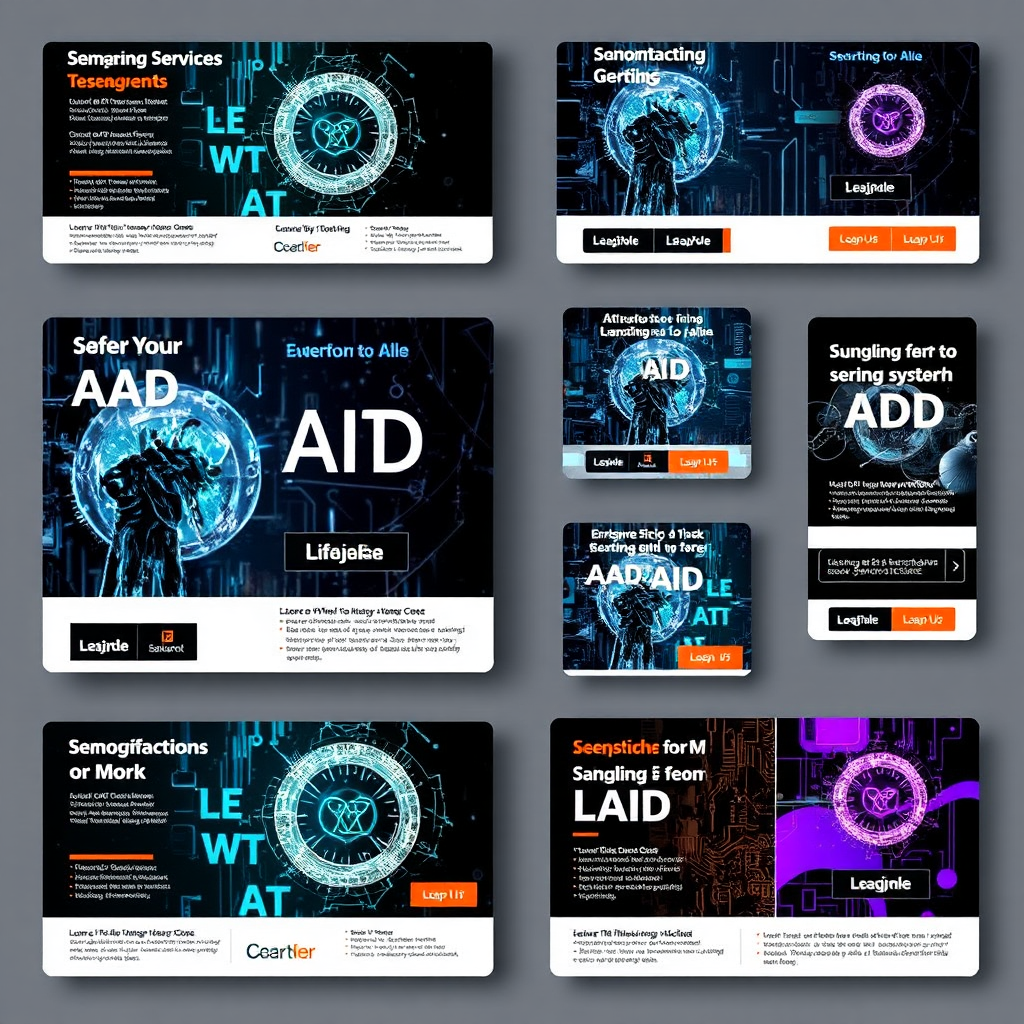
Ready-to-use banner templates across common formats (16:9, 4:3, 1:1) with clear focal points and space for text.
Clear dos and don'ts, licensing reminders, and usage tips to keep compliance smooth.
Instantly download banners and promo kits for quick publishing across channels.
5-day Email Series – Direct Prompts & Copy
Email 1 — Angle: Helpful Awareness
- Your AI banners might be missing this
- Pretty banners are not always useful
- A simple fix for better AI visuals
- The issue is usually not the AI tool. It is the prompt.
- Better banners start with better creative direction.
Hi {!firstname_fix},
A lot of people are using AI image tools now.
But there is one problem I keep seeing…
The image may look impressive at first glance.
But when you try to use it in a real campaign, something feels off.
Maybe there is no space for your headline. Maybe the layout does not match the platform. Maybe the image looks nice, but does not support the offer.
That is the difference between AI art and a usable campaign asset.
A good banner prompt should tell the AI more than just the topic.
It should include:
- ✅ the goal of the banner
- ✅ the audience
- ✅ the format
- ✅ the mood
- ✅ the focal point
- ✅ the space where your text will go
That is why I liked the idea behind the AI Ultimate Banner Generator.
It helps you create structured prompts for banners, instead of relying on vague prompts like: “Make me a banner for my offer.”
That kind of prompt can work sometimes. But it usually leaves too much to chance.
This generator gives your AI image tool clearer direction, so your visuals have a better chance of being useful for websites, ads, emails, thumbnails, and promos.
➡️ You can see it here: https://specialoffer.hotdeal4all.com/ai-ultimate-banner-generator
Worth looking at if you use AI images for your business, content, or promotions.
Best,
[Your Name]
Email 2 — Angle: Education / Better Prompt Structure
- AI needs better instructions than this
- “Make me a banner” is not enough
- Try thinking of prompts this way
- Your banner prompt should work like a mini creative brief.
- Better inputs usually create more useful outputs.
Hi {!firstname_fix},
Here is a simple way to think about AI banner creation.
Your prompt is not just a sentence. It is a creative brief.
When a designer creates a banner, they usually think about things like:
- What is the purpose?
- Who is it for?
- Where will it appear?
- Where will the headline go?
- Should it feel premium, bold, friendly, simple, futuristic, or urgent?
Most AI prompts skip these details. So the AI guesses. And when the AI guesses, you often get banners that look good…but are hard to actually use.
For example:
❌ Weak prompt: “Create a banner for my online course.”
✅ Better prompt: “Create a 16:9 course launch banner for busy solopreneurs, with a clean right-side area for headline text, premium but friendly mood, soft lighting, and a clear focal point.”
See the difference? The second prompt gives the AI a job.
That is what the AI Ultimate Banner Generator is built to help with. It gives you a repeatable way to create prompt-ready visual directions for different banner formats, including ads, website hero images, email banners, blog graphics, LinkedIn headers, YouTube thumbnails, and product promos.
➡️ Here is the page if you want to take a look: https://specialoffer.hotdeal4all.com/ai-ultimate-banner-generator
No design skills required. Just better direction before you generate.
Best,
[Your Name]
Email 3 — Angle: Time Saver / Avoid Rework
- Tired of regenerating AI banners?
- This can save a lot of trial and error
- One reason AI visuals take too long
- The real time-waster is fixing vague prompts.
- A clearer prompt can reduce creative guessing.
Hi {!firstname_fix},
One hidden cost of using AI image tools is not the tool itself. It is the trial and error.
You type a prompt. You wait for the image. It looks okay. Then you notice the headline has nowhere to go. So you try again. Then the layout is wrong. You try again. Then the image fits the wrong format. You try again. That can eat up more time than expected.
And the frustrating part is this: The AI may not be the problem. The prompt may simply be too vague.
That is where a structured prompt generator can help. The AI Ultimate Banner Generator is designed to help you include the details that matter before you generate the image.
Things like:
- ✅ banner goal
- ✅ niche and audience
- ✅ offer intent
- ✅ format and aspect ratio
- ✅ mood and color direction
- ✅ composition and text placement
This matters because a Facebook ad, a YouTube thumbnail, a website hero image, and an email banner do not need the same framing. Each one needs a different visual direction.
So instead of starting from a blank prompt every time, you can use a guided system to create something more specific.
➡️ You can check it out here: https://specialoffer.hotdeal4all.com/ai-ultimate-banner-generator
It is especially useful if you create visuals for offers, launches, content, affiliate promos, or social campaigns.
Best,
[Your Name]
Email 4 — Angle: Non-Designer Friendly / Practical Use
- Not a designer? This may help
- Better banners without design skills
- A simple shortcut for cleaner AI banners
- This helps you describe what you want more clearly.
- The goal is not art. The goal is usable visuals.
Hi {!firstname_fix},
You do not need to become a designer to create better AI banners.
But you do need to give the AI better instructions. That is where many people get stuck.
They know they need a banner for a lead magnet, course, ad, blog post, email, or social campaign. But they do not always know how to describe:
- ✅ the composition
- ✅ the mood
- ✅ the lighting
- ✅ the format
- ✅ the focal point
- ✅ the space for text
- ✅ the visual style
So they use a basic prompt. Then they hope the AI understands what they mean. Sometimes it does. Often, it does not.
The AI Ultimate Banner Generator helps bridge that gap. It is made for non-designers who want clearer, more practical banner prompts. You choose the goal, shape the prompt, then paste it into your favorite AI image tool.
The page mentions tools like Midjourney, ChatGPT image tools, Ideogram, Leonardo, and free AI image generators. The important point is simple: You are not buying another complicated design system. You are getting a way to communicate better with the AI tool you already use or plan to use.
➡️ See the AI Ultimate Banner Generator here: https://specialoffer.hotdeal4all.com/ai-ultimate-banner-generator
For a one-time low-cost tool, it could be a useful addition to your marketing workflow.
Best,
[Your Name]
Email 5 — Angle: Direct Recommendation / Low-Cost Utility
- My honest take on this banner tool
- Useful if you create promos or content
- This is worth a look
- A practical prompt system for AI banner creation.
- Low-cost, simple, and useful for marketers.
Hi {!firstname_fix},
I wanted to send one final note about this because it is a simple tool with a practical use case.
If you create any kind of online promotion, you probably need visuals.
Lead magnet banners. Course graphics. Blog headers. Email promo images. Ad creatives. Social posts. YouTube thumbnails. LinkedIn headers.
And yes, AI image tools can help. But only when the prompt gives them enough direction.
The AI Ultimate Banner Generator helps you create better prompts for these exact types of marketing visuals. It includes prompt structure, format presets, niche formulas, style modifiers, free tool suggestions, and quick-start examples.
The offer page shows it at $9.99 one-time with instant delivery.
Of course, no tool can guarantee business results. And if you use AI-generated images commercially, you should always check the licensing terms of the image tool you use. But as a simple prompt-building helper for campaign visuals, this is a useful one to consider. Especially if you are tired of vague AI outputs that look nice but do not fit your actual marketing layout.
➡️ You can get the AI Ultimate Banner Generator here: https://specialoffer.hotdeal4all.com/ai-ultimate-banner-generator
It is a small tool, but it can help you give AI a much better creative brief.
Best,
[Your Name]
Commission, Payouts & Terms
Transparent affiliate terms with reliable payouts and a straightforward promotional flow.
- Commission: 25% on sale (one-time)\n
- Cookie duration: 60 days
- Payout schedule: monthly via bank/PayPal
- Eligibility: real referrals, compliant marketing
FAQ
Get started as an affiliate
Join a premium program designed for performance-driven affiliates. Access the affiliate kit, tracking links, and promotional guidelines to maximize your earnings.
- Copy-ready emails and banners
- Transparent commissions and payouts
- Guided promos with best-performing angles
Spread the word with confidence
Leverage the premium visuals and copy in your channels. We provide the framework; you drive the traffic and conversions.
What early affiliates say
“The affiliate kit was clean and conversion-focused. The emails convert well, and the visuals are premium.”
“Clear prompts + ready-to-use assets boosted my conversion rate. A real time-saver.”
“Promotional assets are consistently on-brand and easy to deploy across campaigns.”